Click the button in the upper right corner, and then click Open in the browser to install
【TimePartner】Technical support
TimePartner
-IOS
Enterprise
Version:1.05 | Size:11.5MB
Updated:2024-10-07

Download and Install
Scan to Download and Install
Operation Step
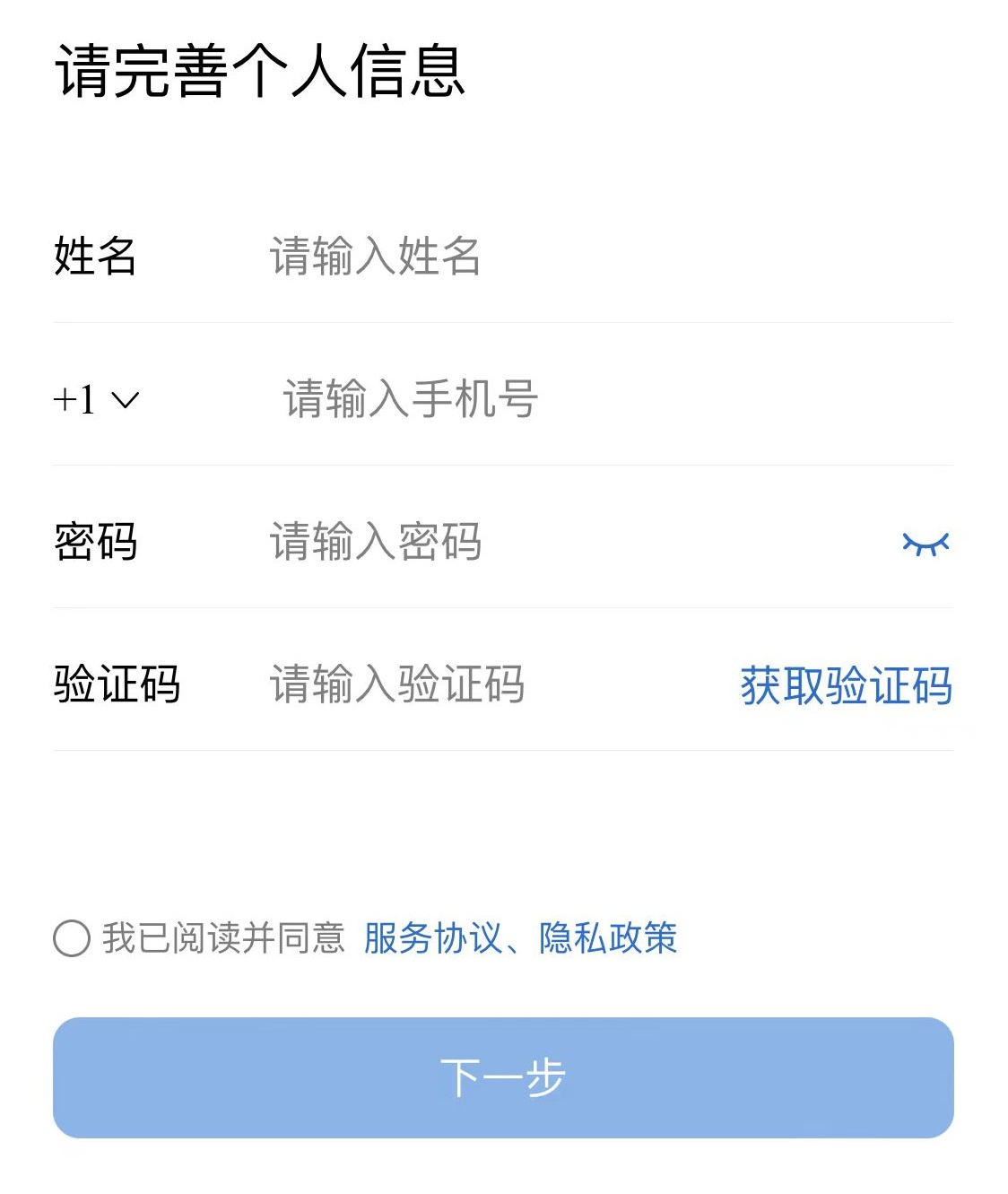
1、How to register an account
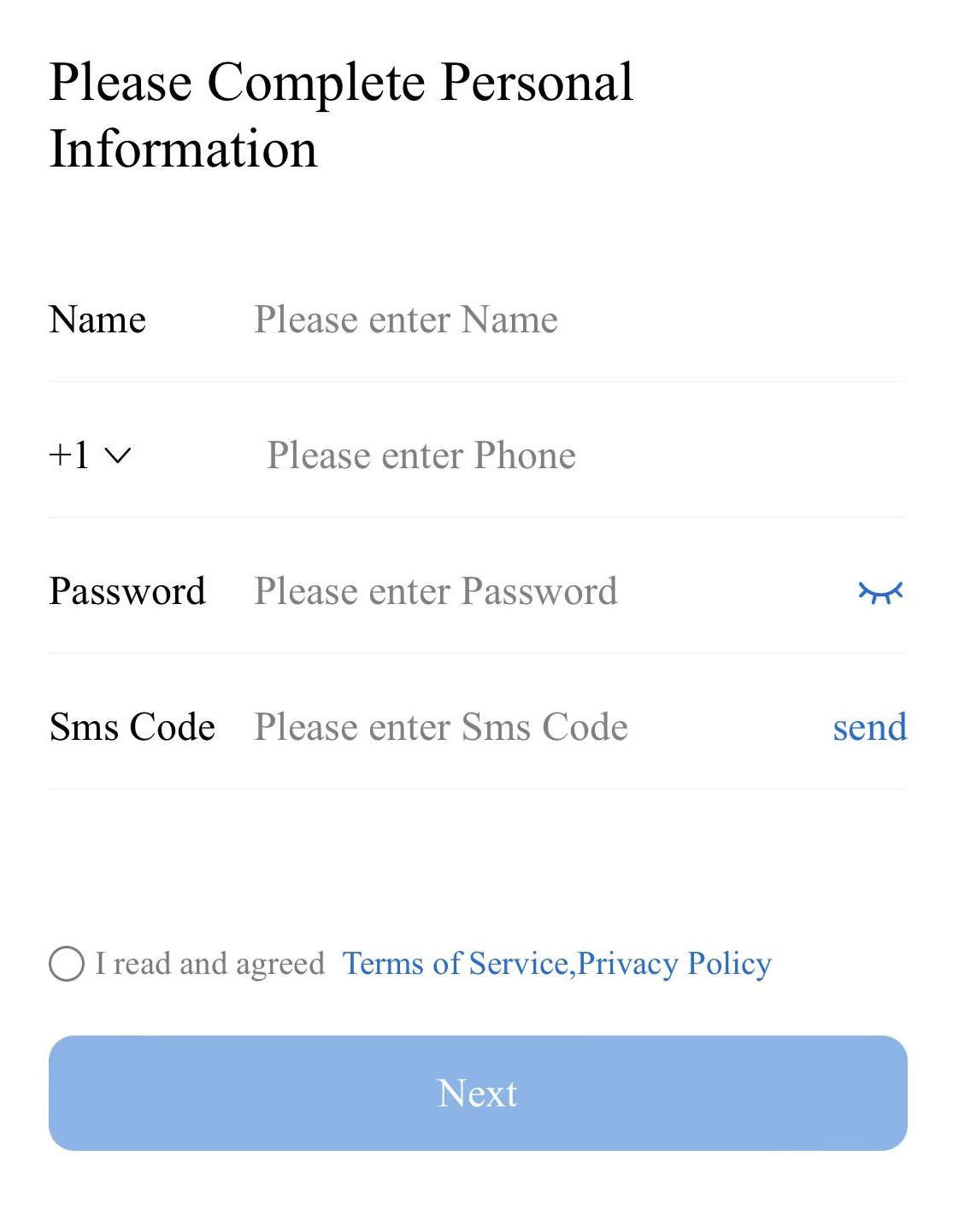
Fill in your name, mobile phone number, password and SMS verification code, and click Save to complete
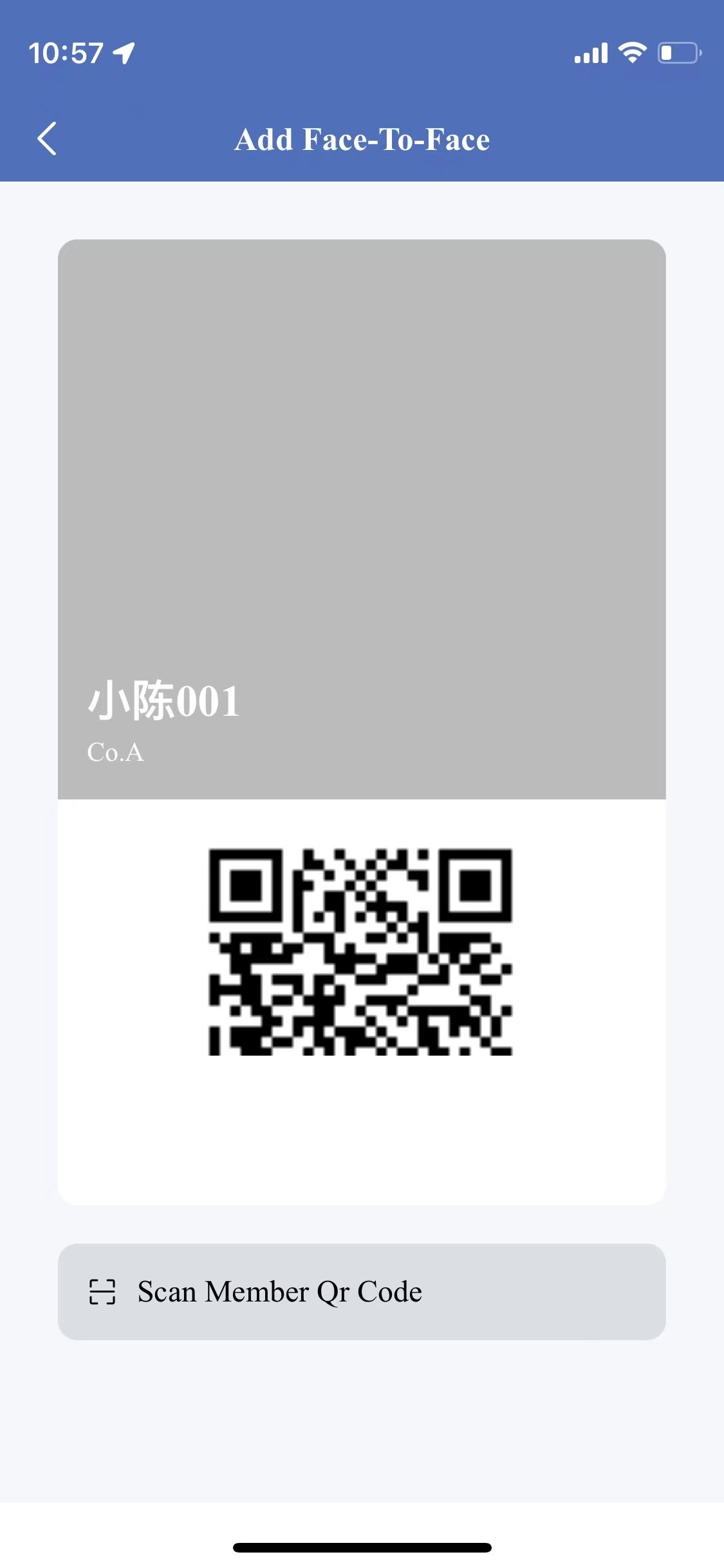
2、How to join the company
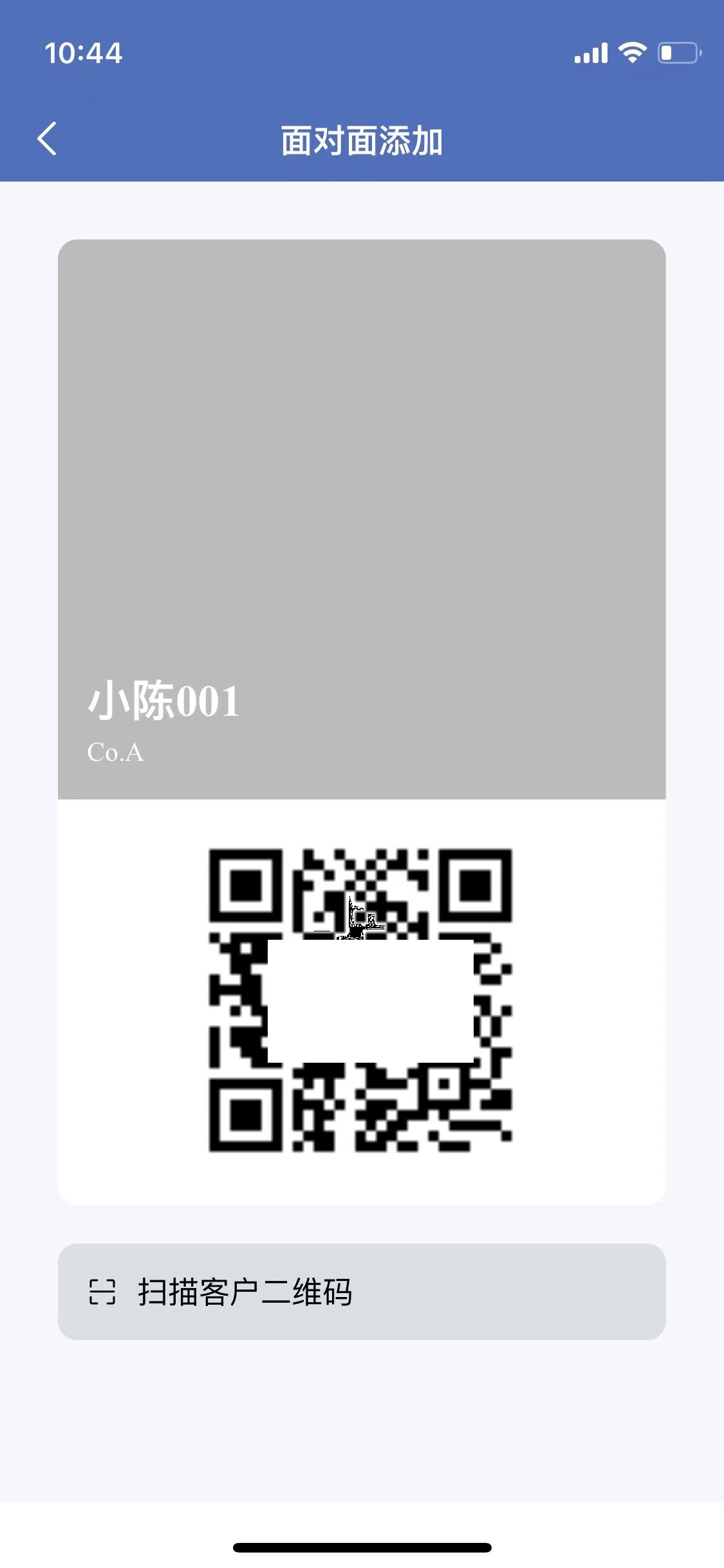
Show your identity QR code and ask your colleagues to scan the code with TimePartner to join the company
3、How to set a shift
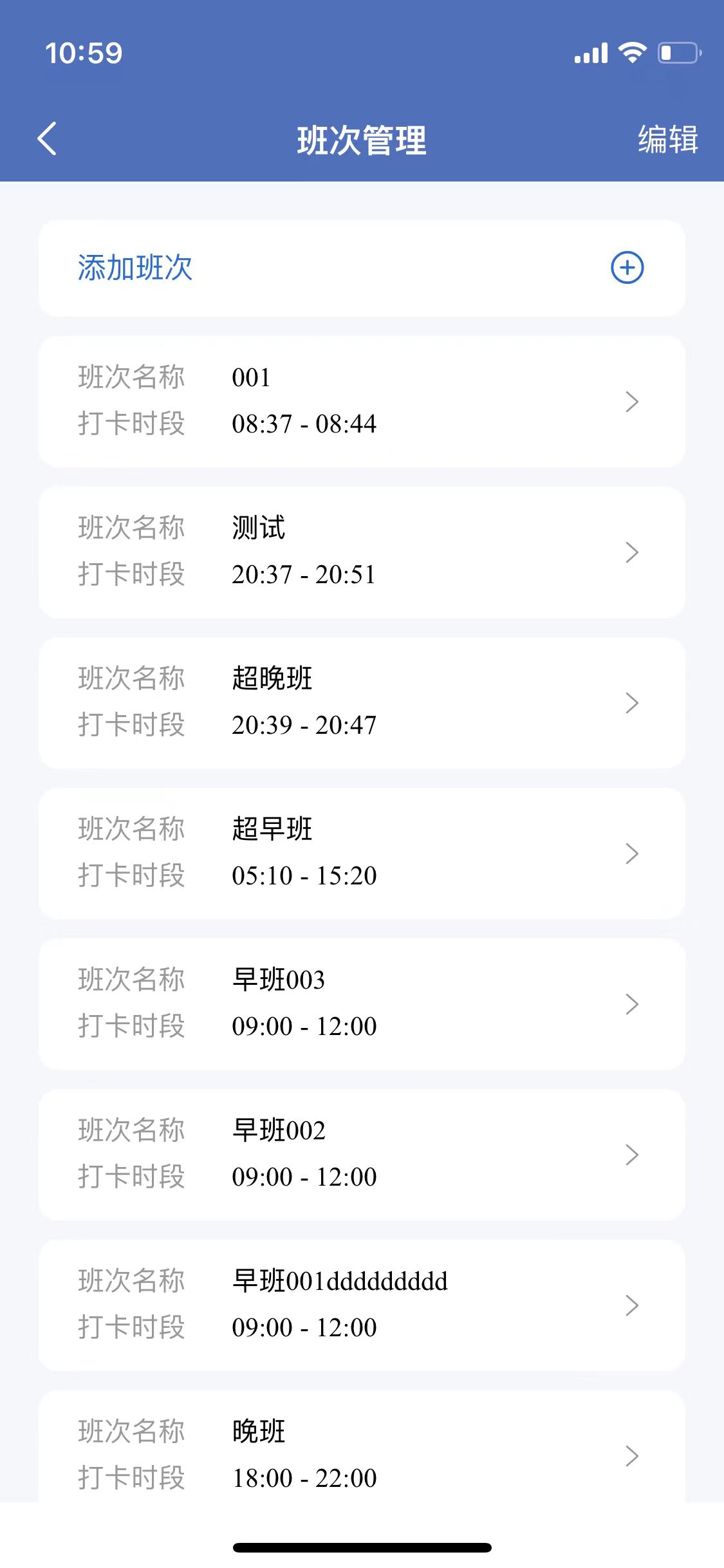
Manage-Shift Manage-Add a shift and fill in the following information
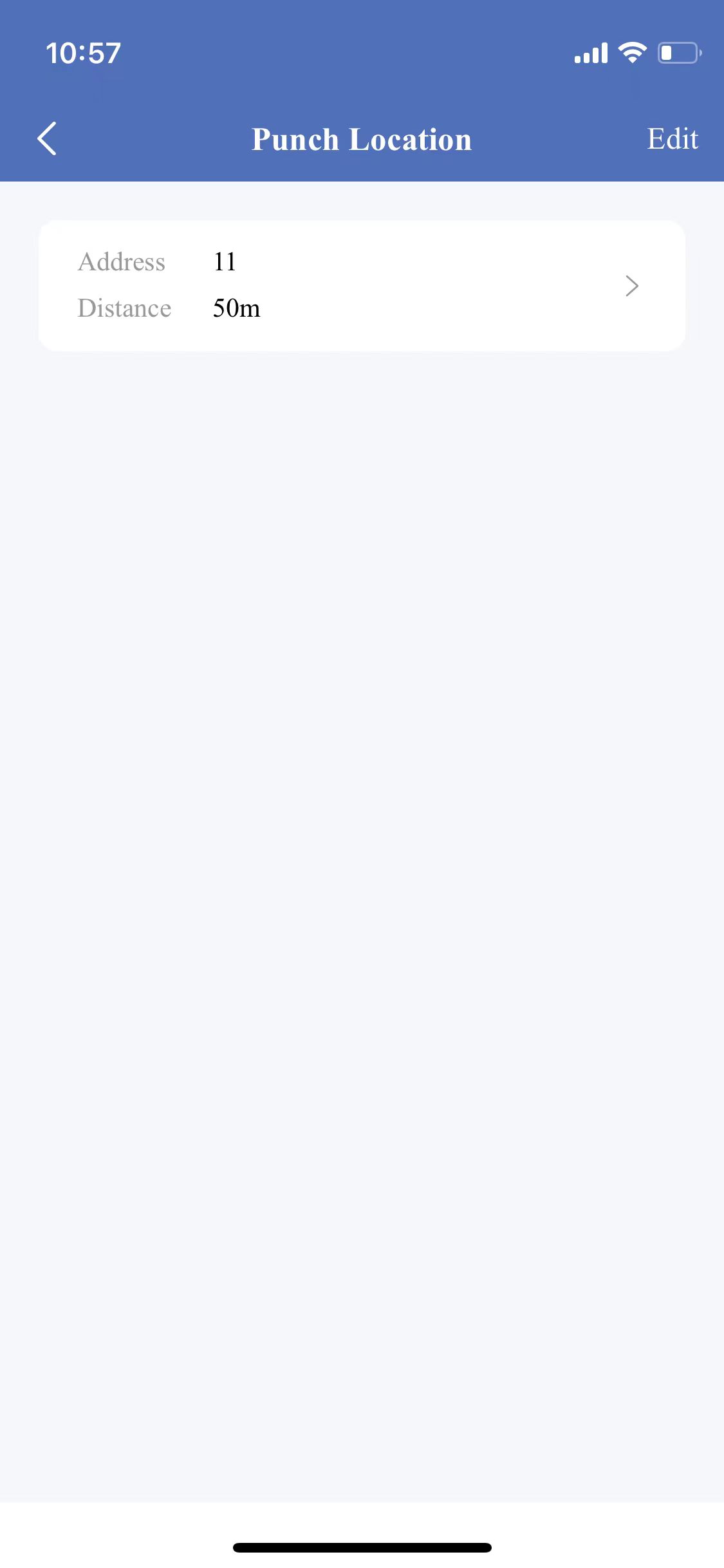
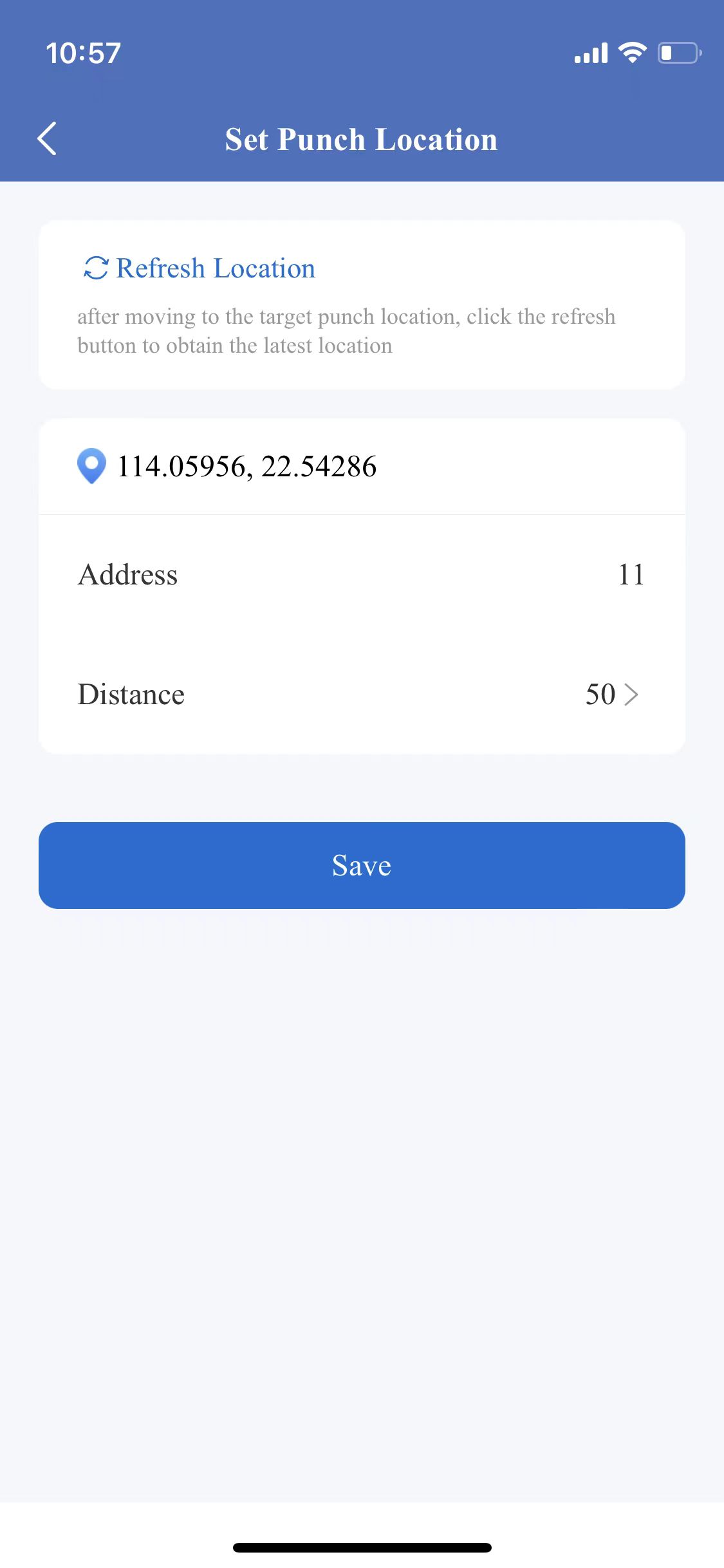
4、How to set the punch range
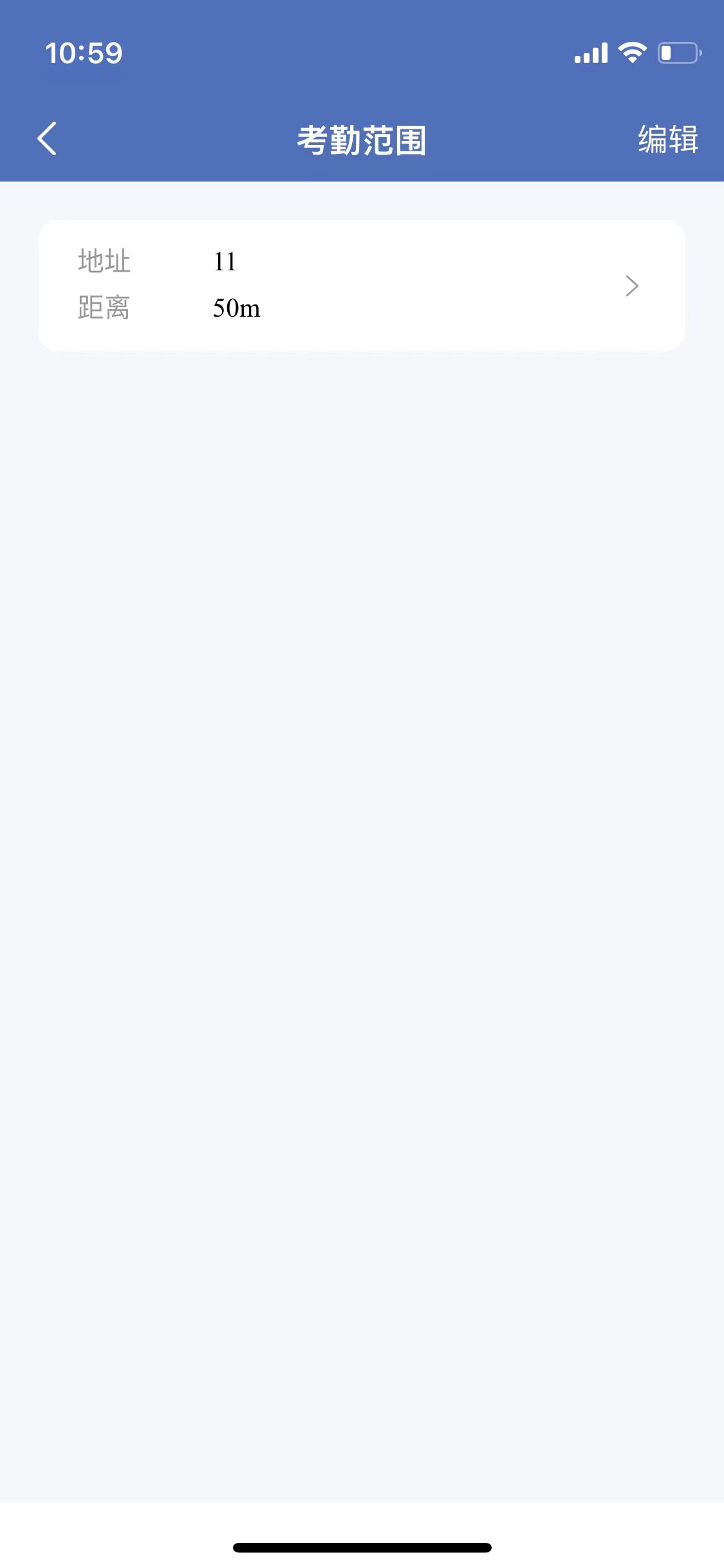
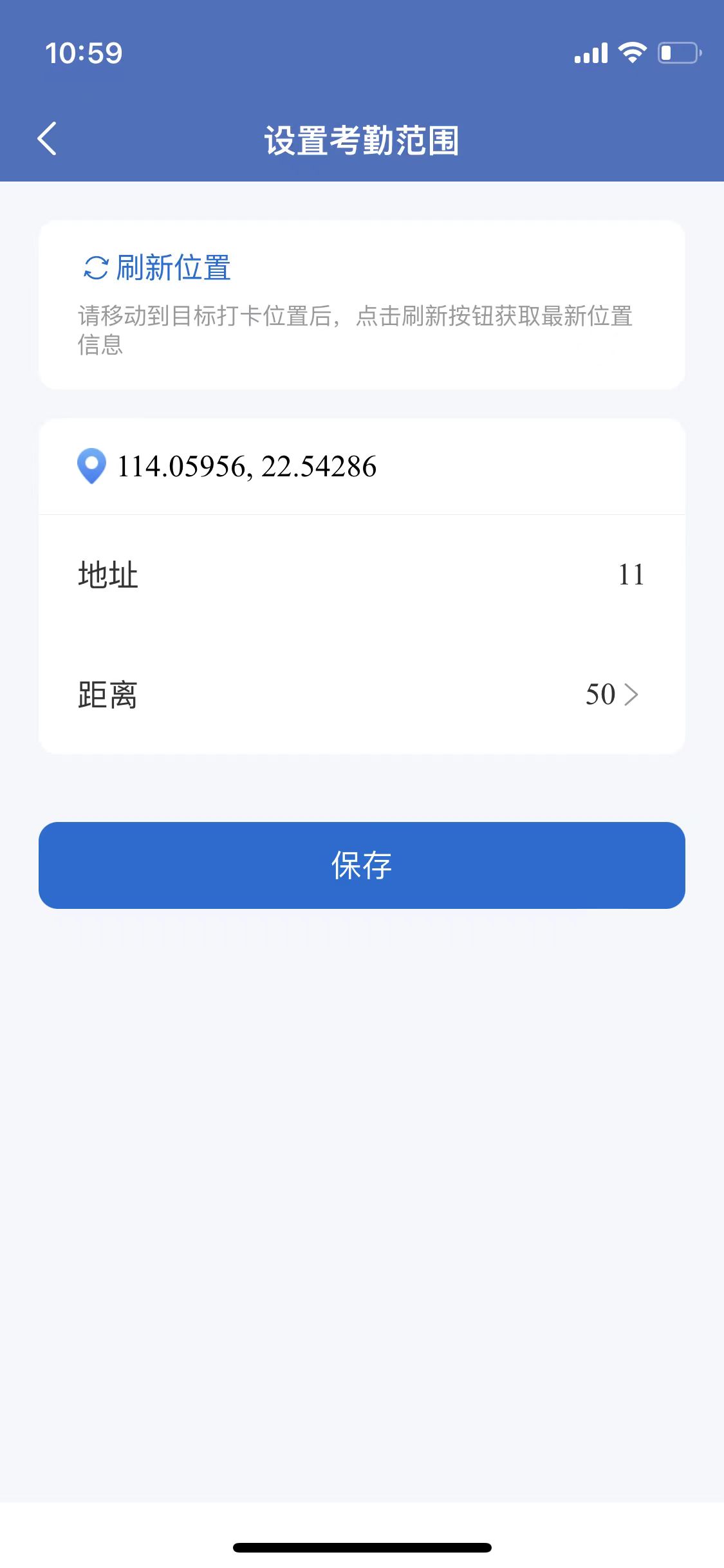
Manage-Punch Range, refresh the location, fill in the address and distance
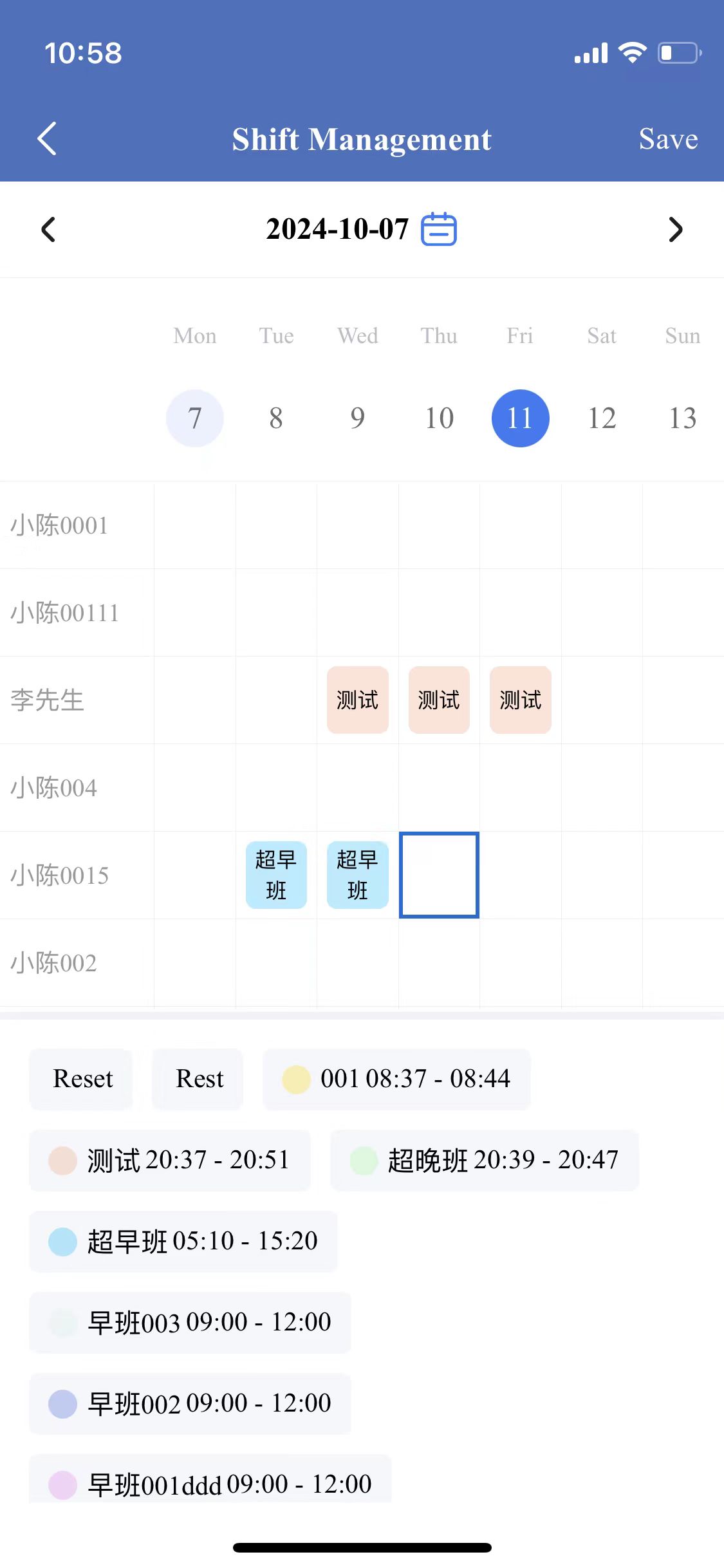
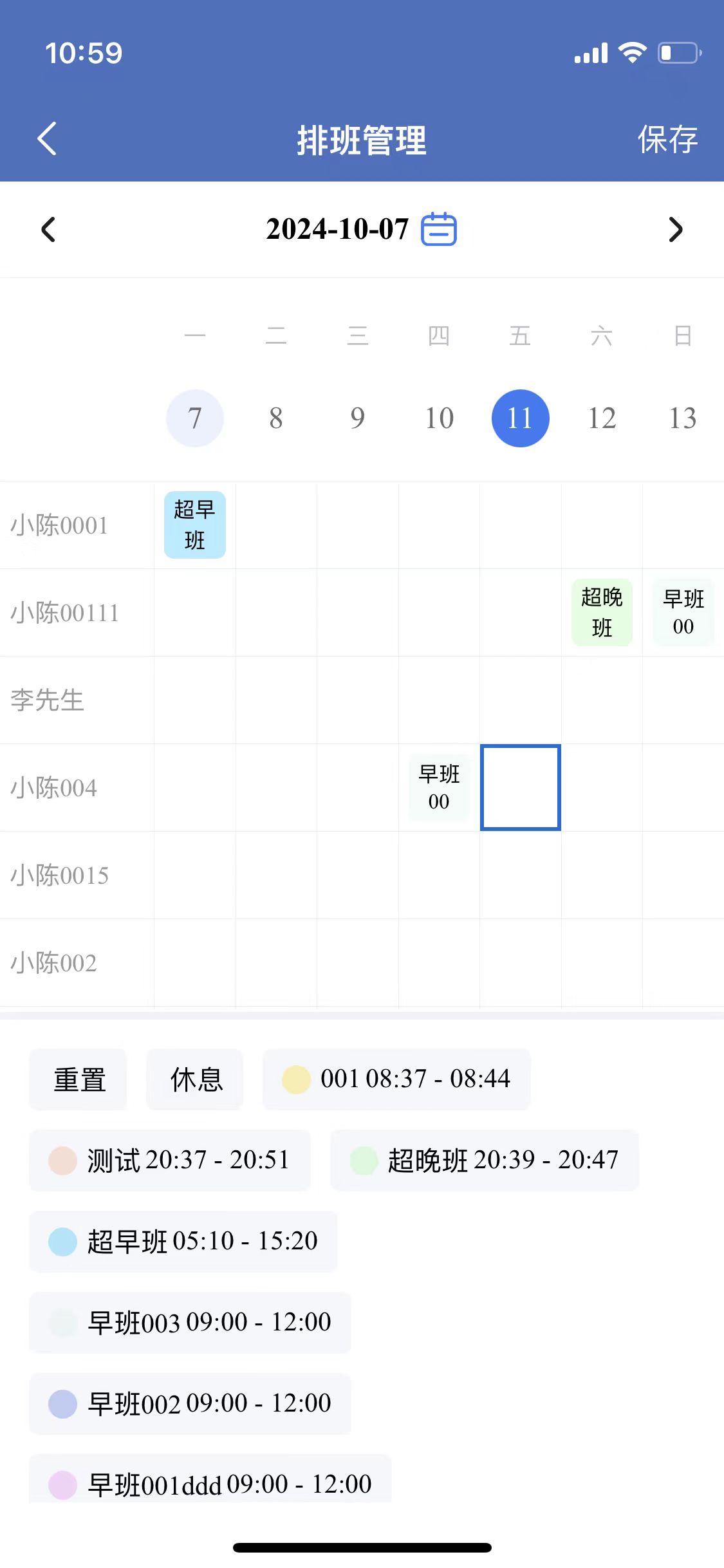
5、How to schedule shift
Manage-Shift Schedule, set corresponding personnel schedule information
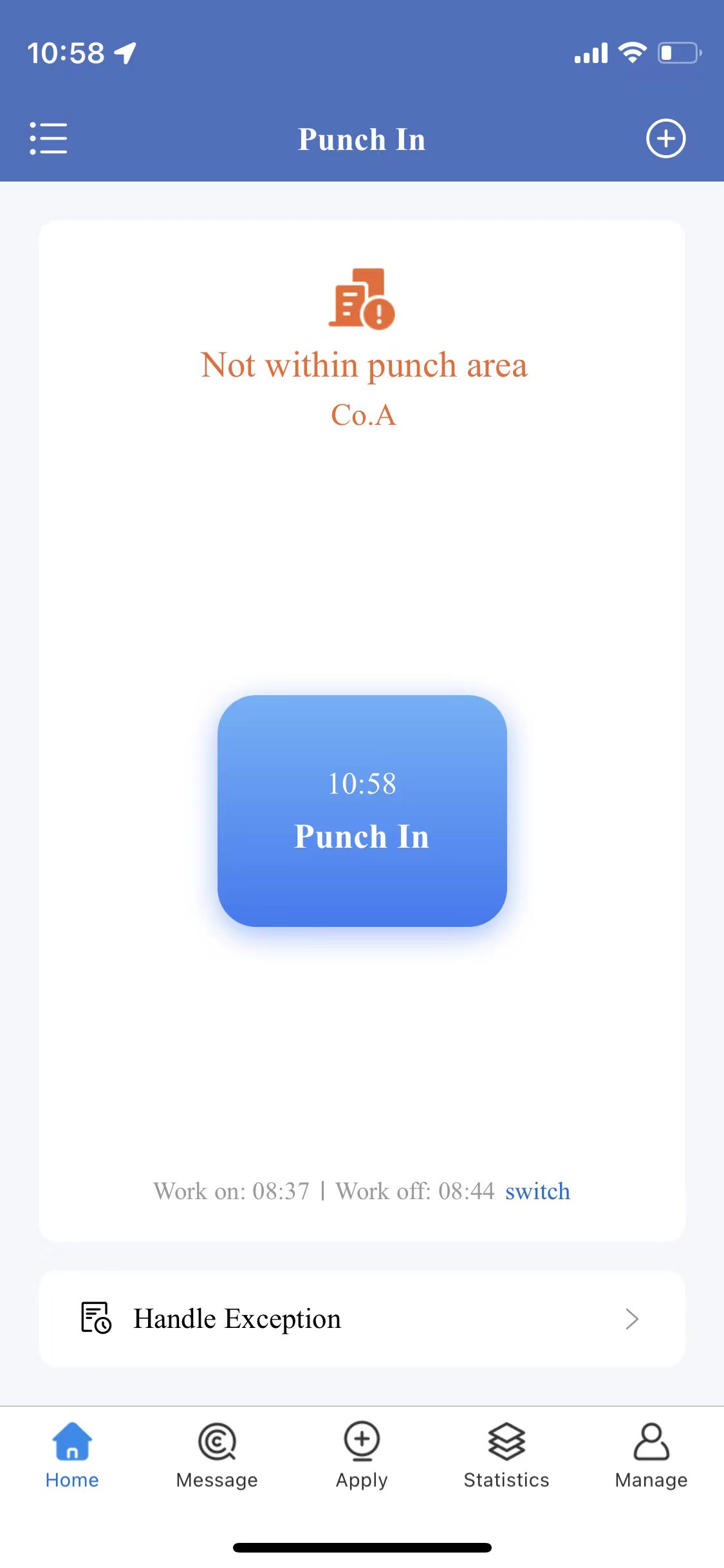
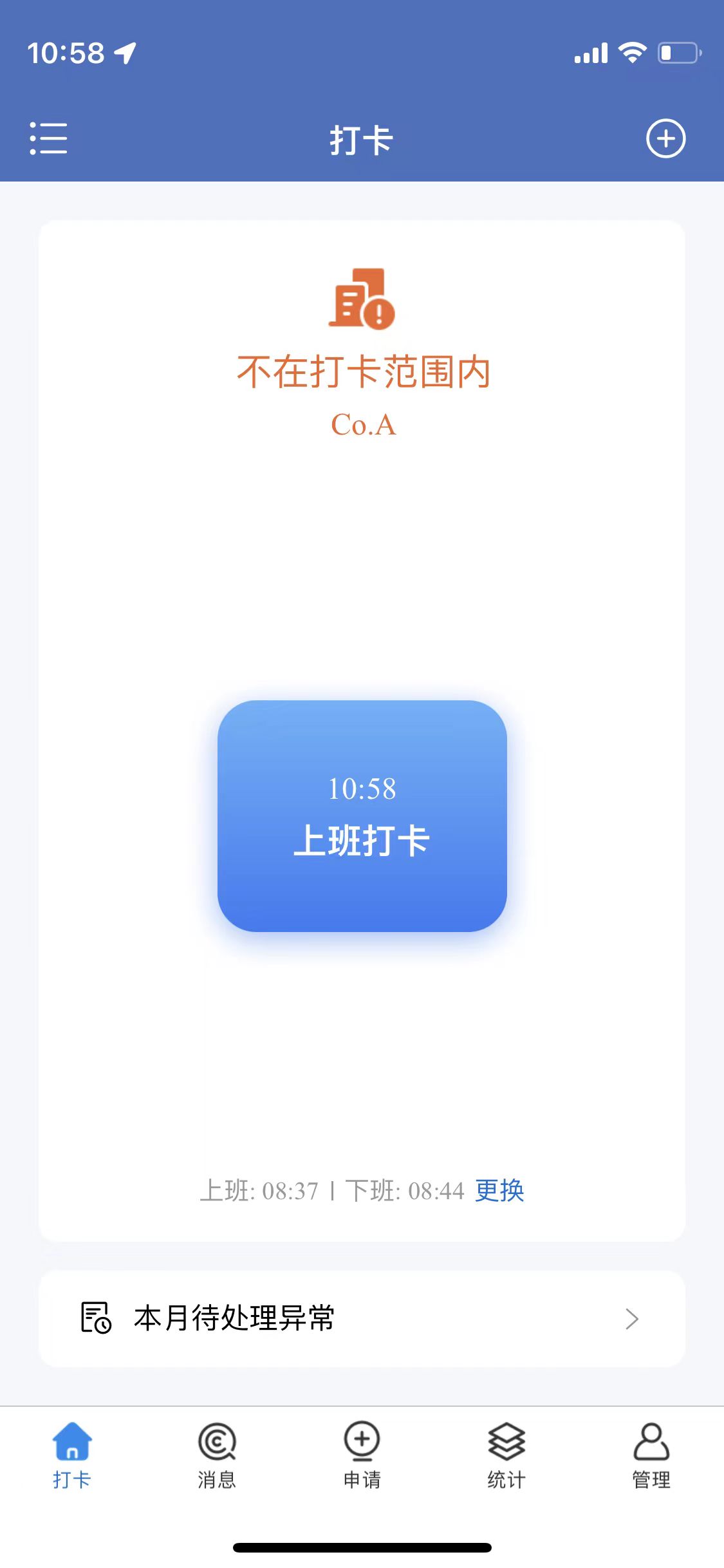
6、How to punch in/out
Go to the homepage and click on punch in and punch out
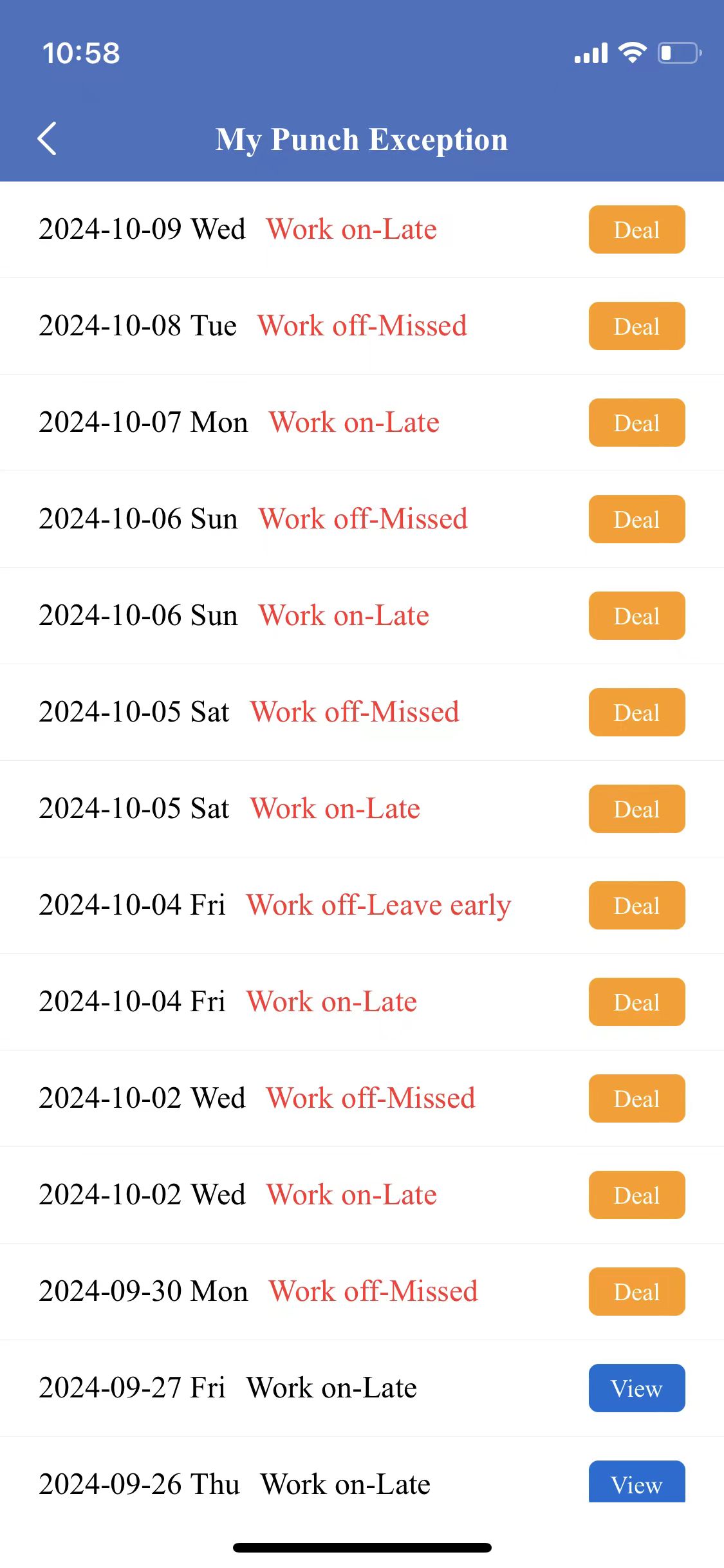
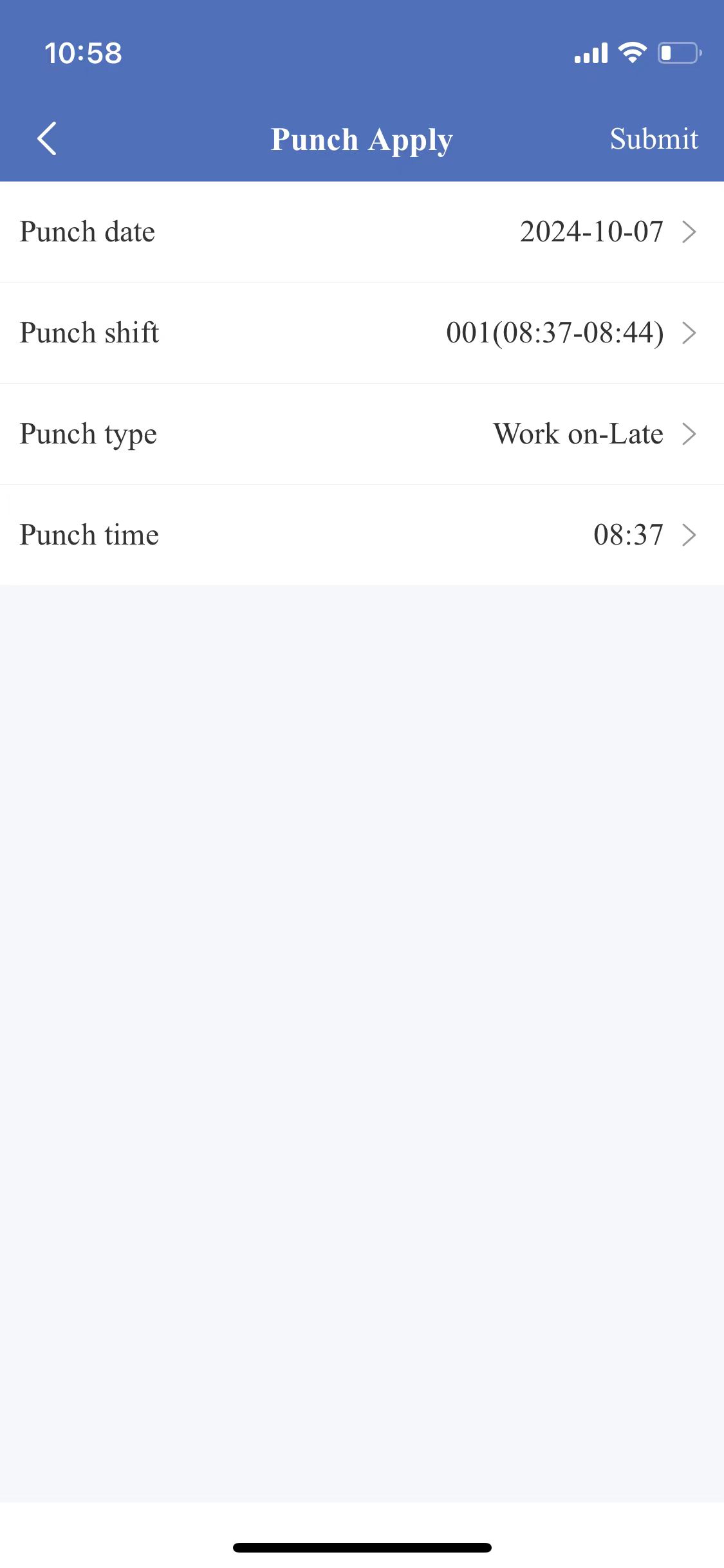
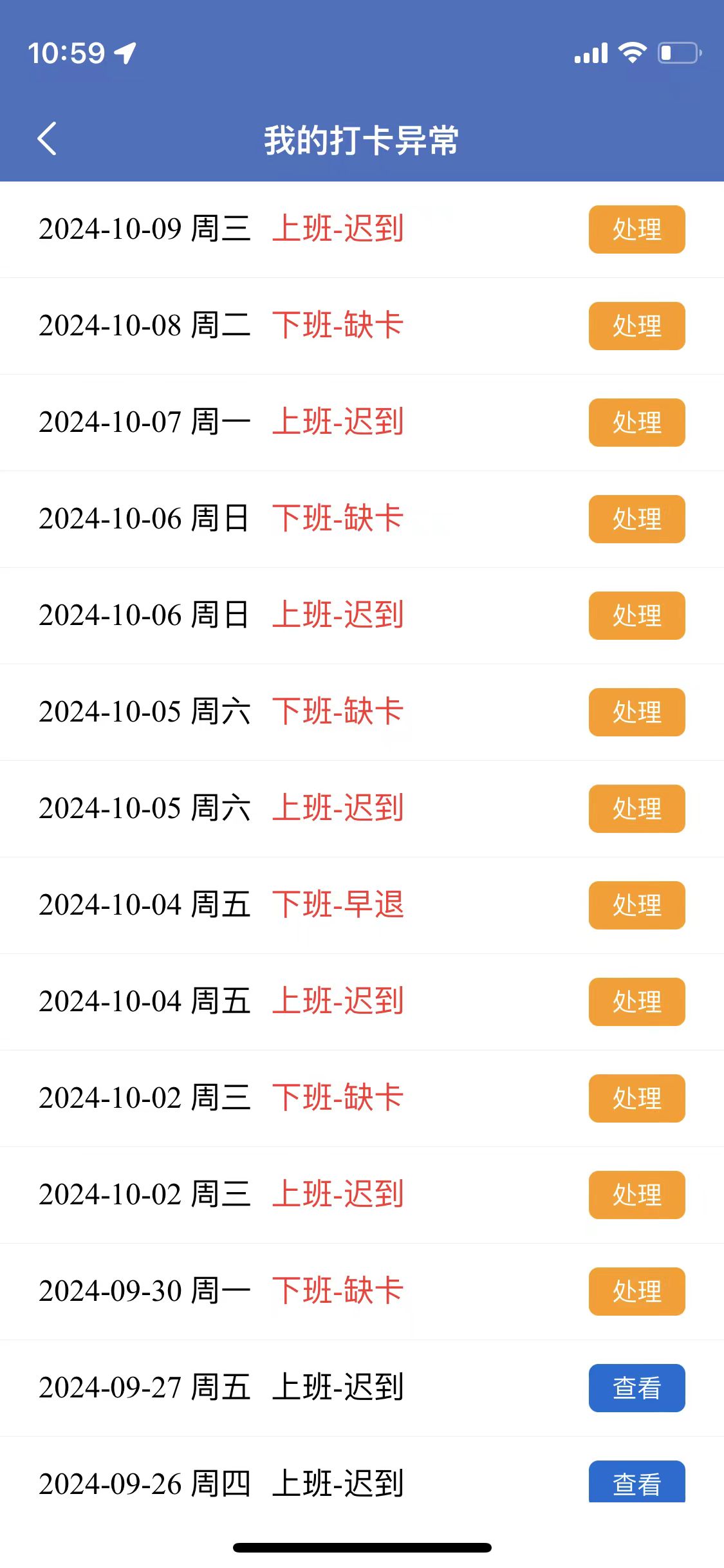
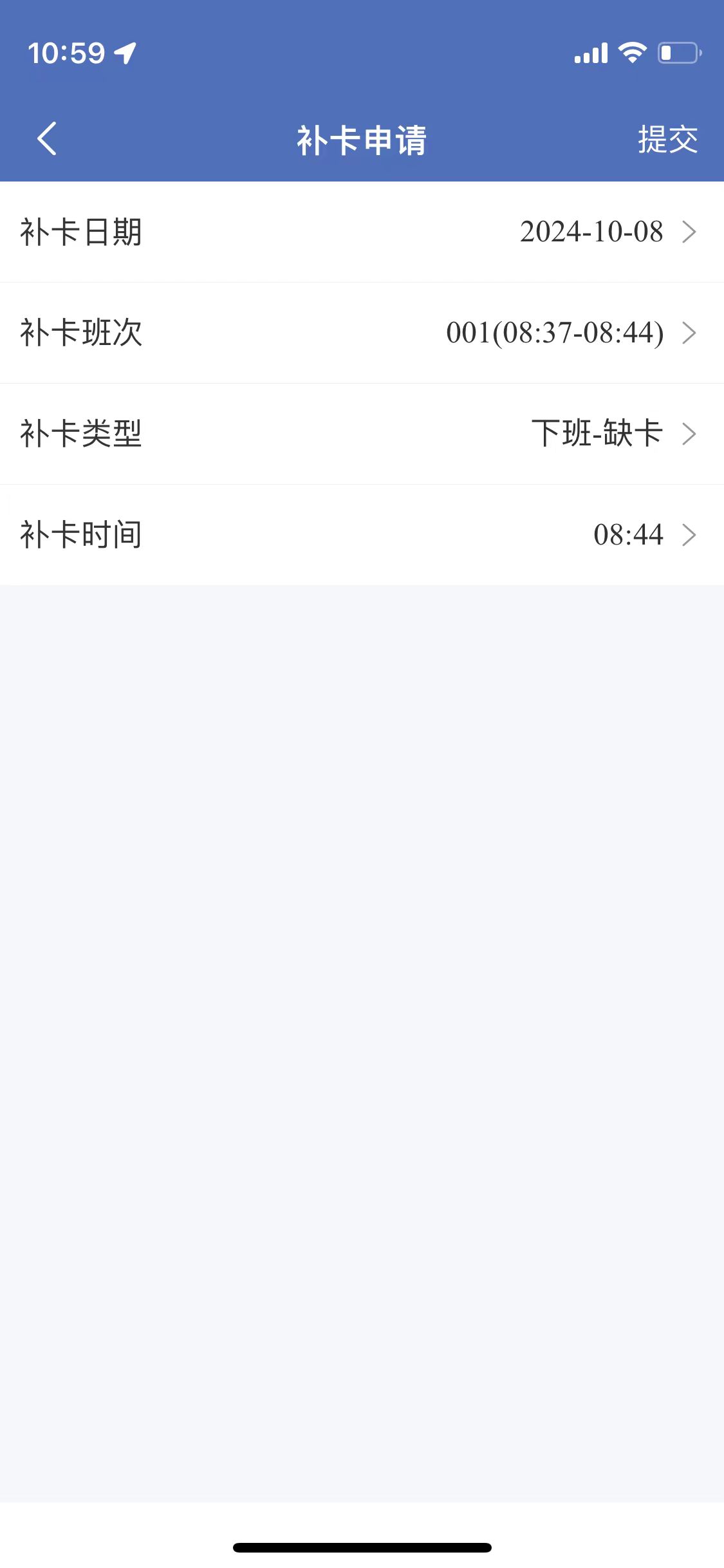
7、How to process the exception
Home page - Exception Handle, click the processing button
If you have any questions, please leave a message or send me an email.
Email: 675420949@qq.com
Thank you!
点击右上角按钮,然后在弹出的菜单中,点击在浏览器打开,即可安装
【TimePartner】操作相关技术支持
TimePartner
-IOS
企业版
版本:1.05 | 大小:11.5MB
更新时间:2024-10-07
下载安装
扫码下载安装APP
操作指引
1、如何注册账号
填入姓名、手机号、密码及短信验证码,点击保存即可完成
2、如何加入企业
出示身份二维码,让身边同事用TimePartner帮忙扫码,即可加入完成
3、如何设置班次
管理-班次管理-添加班次,填入下述信息即可
4、如何设置考勤考勤范围
管理-考勤范围,刷新位置,填入地址和距离即可
5、如何排班
管理-排班管理,设置对应人员排班信息
6、如何打卡
进入首页,点击上班打卡和下班打卡即可
7、如何填写异常单
首页-本月待处理异常,点击处理按钮即可
如果您在使用过程中有问题请留言或发邮件我。
邮箱地址:675420949@qq.com
谢谢!
简体中文
|
English